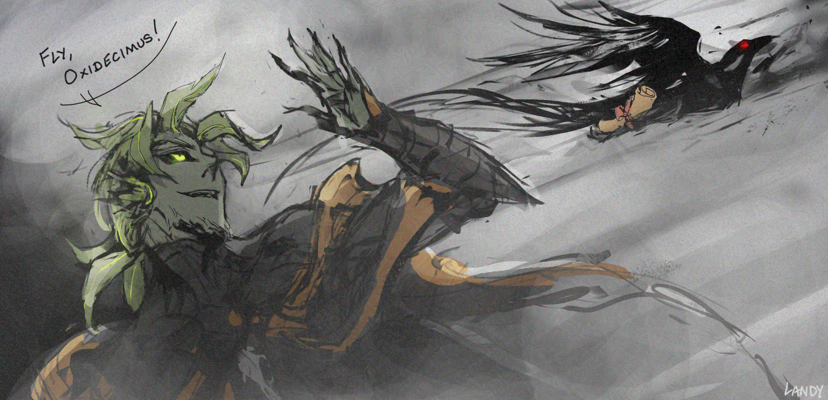
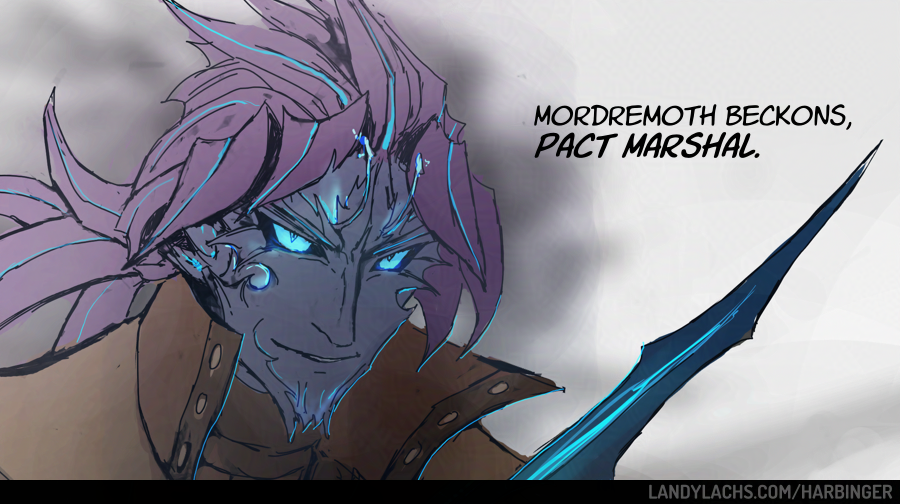
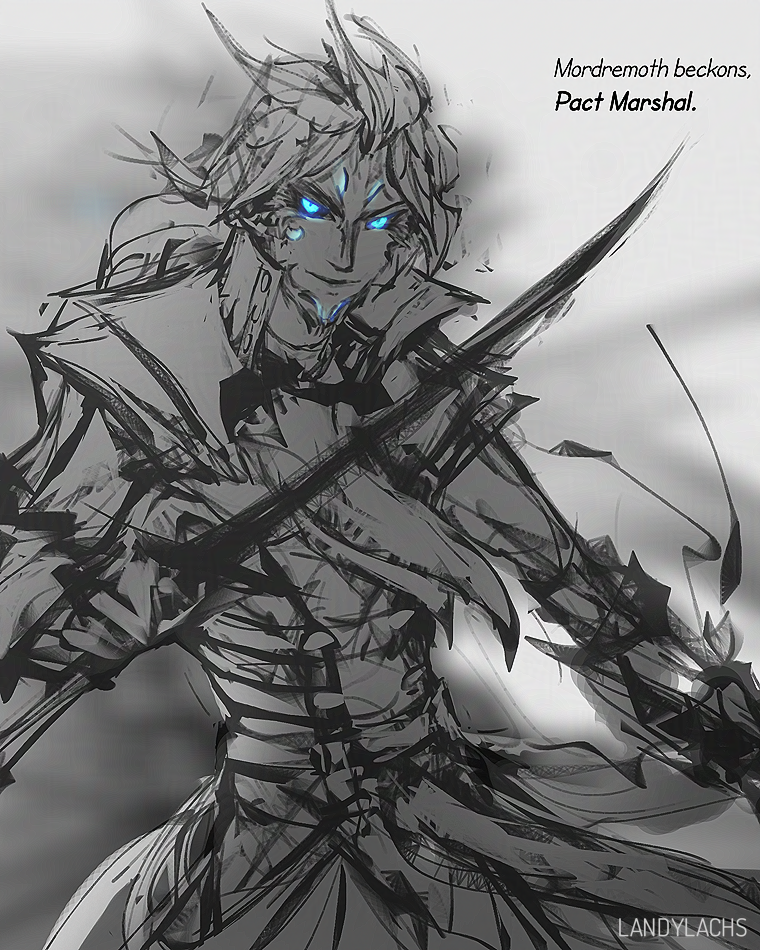
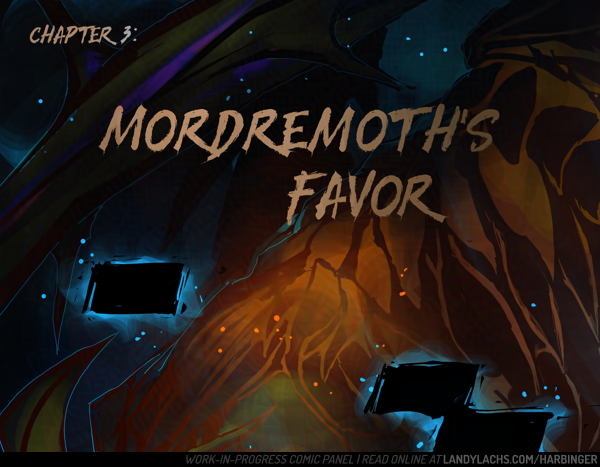
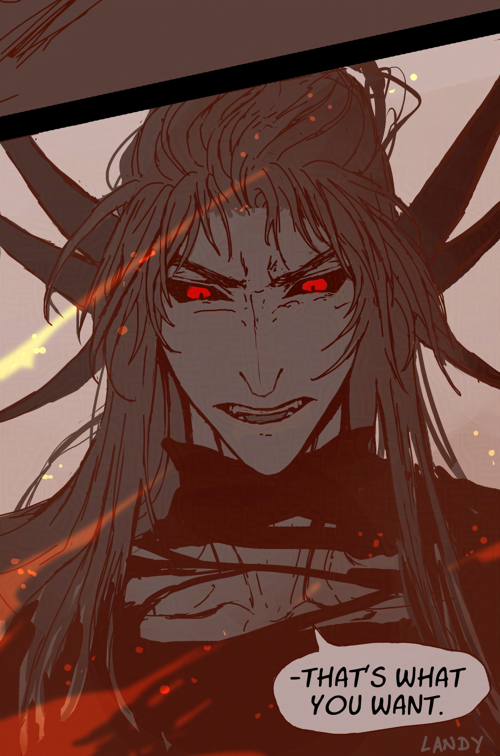
Progress crop from the page I’m cleaning up today I felt like sharing. The colors are not the actual ones – it’s just a bright color I’m using to see the mask more easily.
Edit: October 13, 2025
Repurposing this post to add any additional process crops I feel like sharing for chapter 3!
 Did some drawing for this panel tonight! Did the line sketch drawing and color masks The red there is again only for masking, and not the final color – though it looks a little nifty to me, as-is.
I have a confession to make – I have never been comfortable choosing local colors until drawing this comic. I’m not sure what happened, but I would never, not in a million years, have been able to choose the colors in this panel a year ago. My local colors often lacked harmony when I chose them, and I would need to do quite a bit of trial-and-error until figuring out a palette which was somewhat decent – and even then, I was often displeased by the colors.
Remember, Chapter 1 was initially conceived as a black-and-white comic. For that chapter – and that chapter alone – I added color after doing a greyscale value pass. This was my initial plan because I am very fond of black-and-white comics – but it was also because I was not confident whether I could pull off color successfully for a comic page.
In Chapter 2, this chapter was conceived in color from the start. However, it uses a mixture of different workflow experiments for different pages. Many of these pages didn’t begin with local color. Many began with a burnt sienna value drawing, with colors layered on top (though I might not have used this method for every page).
Chapter 3 is the first time, I think, where I’ve been starting with local colors first (though I’d need to check chapter 2 to be certain). I never would have had the confidence to do this in chapters 1 or 2 – or anytime before this year. I definitely focused on values first before now, and drawing the comic has really felt like remembering all the things I used to love about lines. I haven’t really worked with lines (beyond very loose sketches) for years.
It’s been helping so much with making several things which have eluded me for years feel much more natural to me. Mainly improving my construction drawing from imagination skills, and I think it is also the reason my ability to choose local colors seems to be improving.
I’m so happy I started this comic, for so many reasons, and this is just one more reason to add.
 Here’s how it looked when I opened the file tonight (with some text redacted to prevent spoilers).
Edit: October 19, 2025
 Crop from one of the panels I’ve been drawing this weekend. While drawing chapter 2, discovering Krita’s “isolate layer function” felt like unlocking a superpower. I was vaguely aware this functionality existed in Photoshop, but I never used it, because I rarely worked with lineart until this year. I never appreciated how useful and time-saving it was until now.
During chapter 1 and partway in chapter 2, whenever I needed to adjust part of the lineart, I was manually going through my convoluted stack of layers, hiding and un-hiding through them until I could see the lines clear enough to pinpoint what I needed to adjust.
But now, no more! All i need to click is “isolate layer” and that’s it! I can see the entire layer! Right then, right there.
Magic, I tell you.
Edit: November 14, 2025
 Currently enjoying cleaning up this panel!
Edit: December 5, 2025

Edit: December 13, 2025

Edit: January 17, 2025
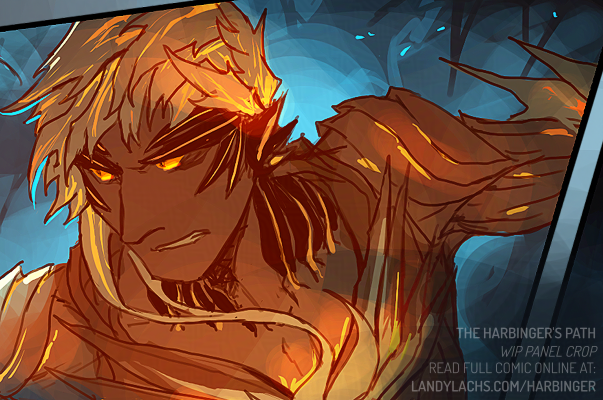
A work-in-progress panel, and–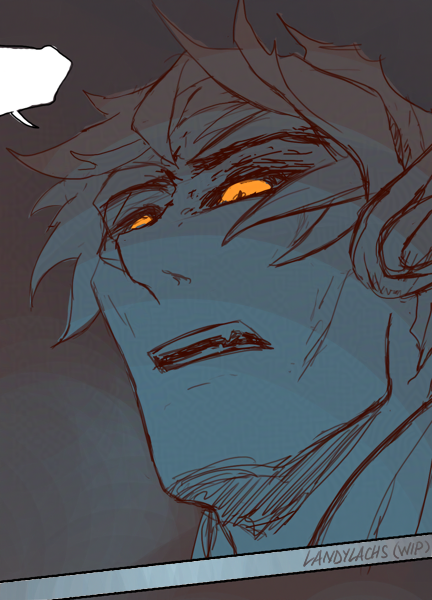 –a no context Trahearne!