Work-in-progress crop showing “Eparos,” one of the characters from my original setting. Plus a sliver of another character I’ve shown before (though I’m realizing not on this blog), who I’ve since given a more thoughtful, less throwaway name, haha.
Well, I should show the earlier artwork of him below, then, as well!
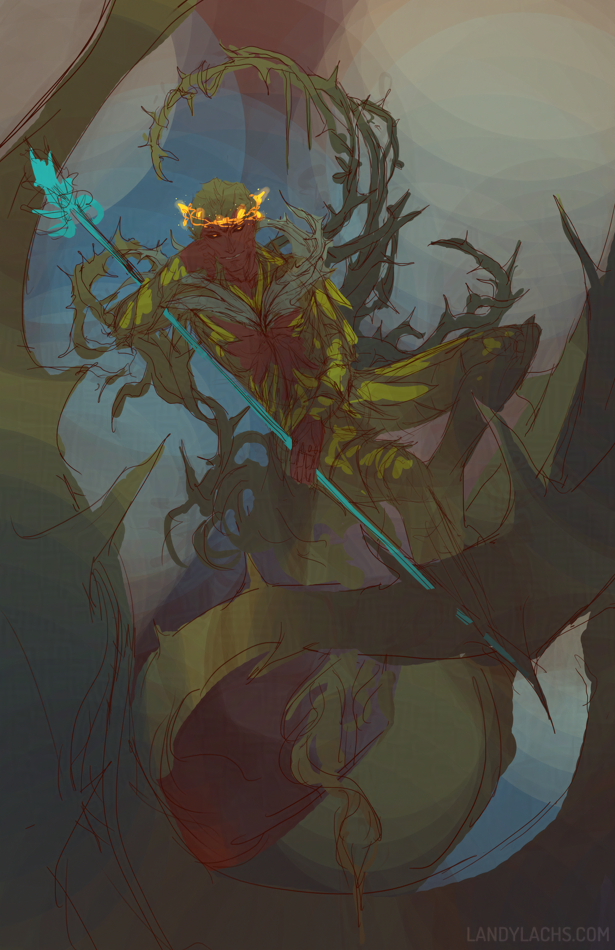
Super rough Cadeyrn warm-up! I’ve been wanting to sketch the ending portion of Ree Soesbee’s “Dream and Nightmare” passages, particularly the final one describing Cadeyrn after he’s founded the Nightmare Court. The specific portion reads:
Cadeyrn lounged on his throne with a careless, prideful slouch. A crown of golden vine glittered on his forehead as courtiers bowed and whispered before him, hanging on Cadeyrn’s every word, their eyes as lightless as the space between the stars.
I love the imagery this passage depicts, and it’s been on my task list for a while to try sketching some ideas based off it. This is my second (very loose) attempt. Below is the full, uncropped (and very rough) composition:
Cadeyrn warm-up (Full composition)
I thought it might also be fun to play a little with Cadeyrn’s design, namely his outfit. I’m not a huge fan of his in-game armor, but I wanted to try something that is still recognizable as having that as its inspiration (for comparison, this is Cadeyrn’s in-game appearance). I really like how in the Nightmare Court outfit series of armor, there’s a mild sense of lasciviousness, or this air of seduction, which works thematically with their concept of corrupting (or “seducing”) Dream sylvari to Nightmare.
I also thought it didn’t quite make sense that Faolain (the canonical leader of the Nightmare Court) wears Nightmare Court armor, while its founder wears low-level sylvari cultural armor. From the Grove, no less! This never made sense to me, given how arrogant Cadeyrn is depicting in Ree Soesbee’s writings. (I imagine he might likely have disdain for anything associated with the Grove.) But I do love when concepts are created based off in-game appearances – it’s why often, my favorite games to do fan art for tend toward those with lesser graphics. Because these allow more freedom with how artists can imagine their depictions, and allow more creativity and play among different interpretations across a variety of people.
That’s the idea behind his alternations here – I tried combining features from the sylvari male version of the Nightmare Court light armor (as Cadeyrn is a mesmer) – mainly by opening the chest, and changing his collar armor to thorns instead of leaves – while attempting to keep the “spirit” of his in-game appearance intact.
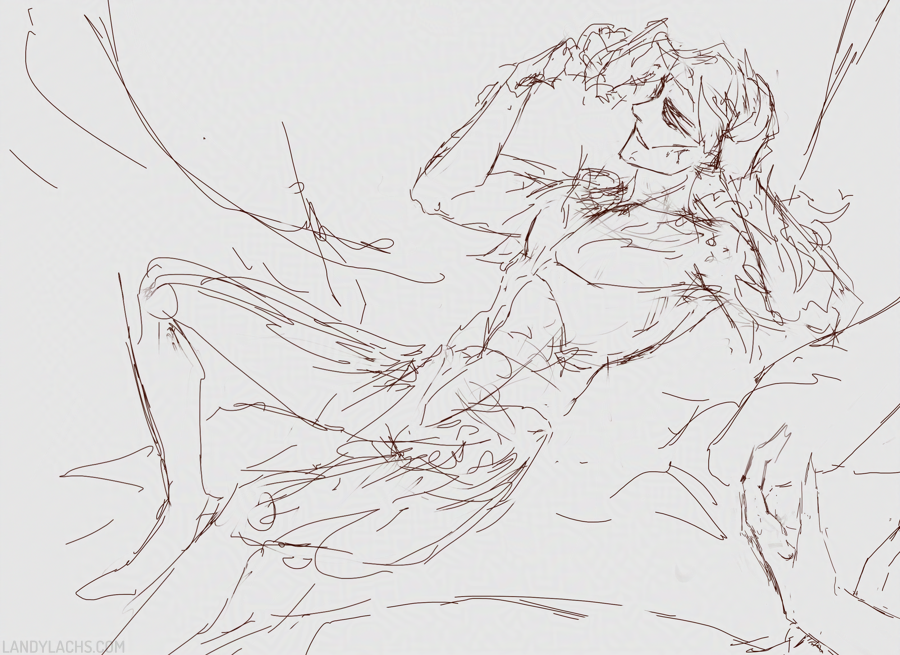
Incidentally, the first sketch I tried was from two days ago, sketched as an even looser warm-up:
Loose sketch showing Cadeyrn toying with his “crown of glittering vine.”
There are aspects of this sketch I also like. I’m not sure which version I’ll take further – it might be neither, maybe I’ll try a few more ideas! – but it was fun to finally sketch down some potential tries for this idea.
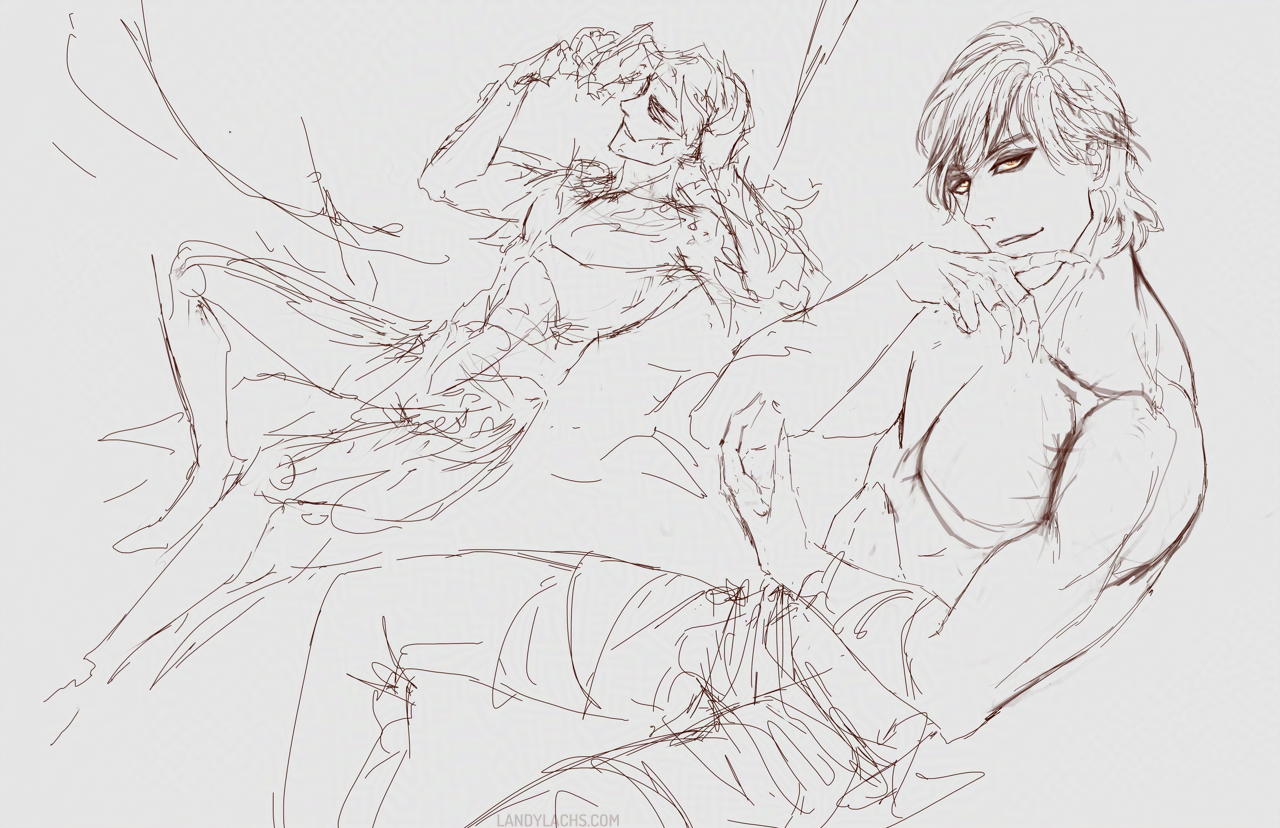
Finally, the first sketch is also part of one of the “sketchpages” I use for warm-ups – this is how the full page looks:
Loose sketches | Left, Cadeyrn from Guild Wars 2; Right, Corveil, from my own setting (not GW2)
This page started as as warm-up with Corveil first, on the right, as some anatomy construction practice.
Happy New Year! I have so much I want to post, but those will take me a little more time to write (I’ve had very little time in the start of the new year, though some exciting news to share later!) – I wanted to post something quick in the meantime!
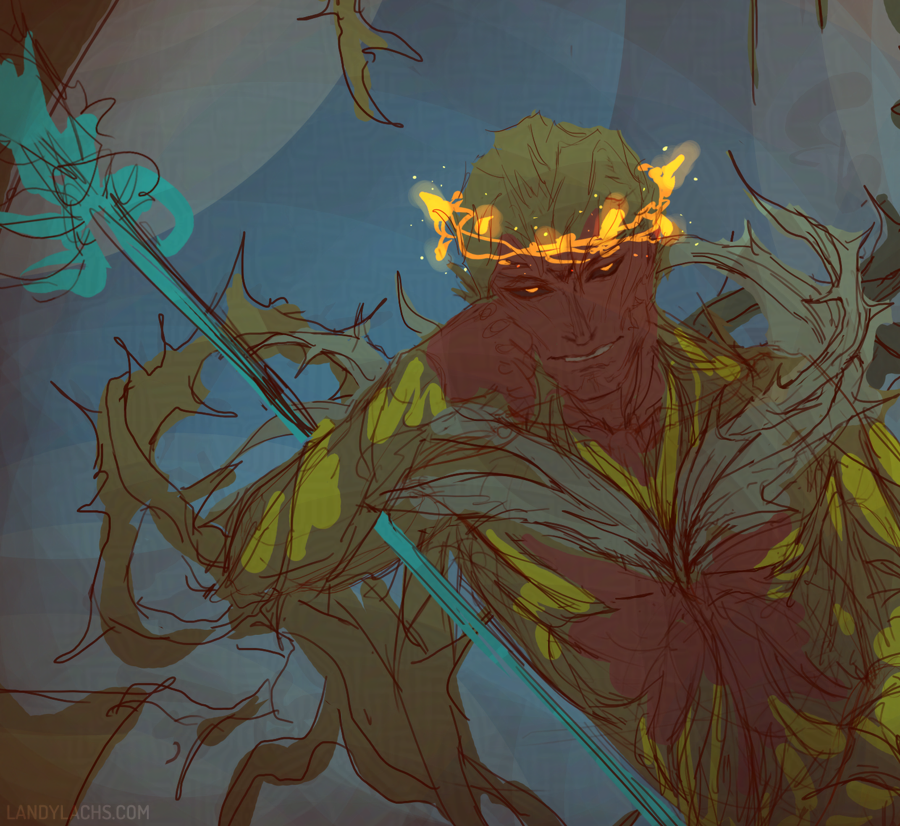
Work-in-progress drawing of “Spellweaver Caydren,” one of three main characters in the “Nightmare’s Embrace” mini-comic I plan to finish this year. Caydren is a Nightmare Court elementalist. I have always enjoyed the idea of the thorned vine whip weapons Nightmare Court NPC’s in the GW2 game use, and that I don’t believe are accessible to us as players (though it’s been a few years, correct me if this is no longer the case) – so, what better reason to vicariously enjoy this, than by fitting one of my characters with one in comic form? :D
This drawing is from several months ago, and I had hoped to finish it by now, but other projects have been arresting my time. I felt like showing its current progress for now, instead! I plan to finish this one, though in some ways it is mainly a “concept drawing,” to see how he looked with the horned vine whip.
I love Stardew Valley and have played it on-and-off for several years now, yet curiously I still have not married anyone in my multiple save files, haha. I can’t choose! I love many of the NPC’s for different reasons. I still plan to, eventually. But anyway! Seeing Sebastian in his winter outfit portrait inspired me at the time to try painting him, based on that teaser image. The full image is about 3/4 body, but I was never happy with this painting, so here in the lead-up to 1.7’s launch, I was once again inspired to try painting Sebastian again – this time, with a paintover of that original painting from 2023.
I don’t know if I’ll finish this one (but I’d like to!), so here is just a small crop from the image for fun! I also don’t know if I’ll show the original 2023 version, because I was never very pleased with it, and the errors bother my eye. Because this was also drawn only from that portrait teaser (I hadn’t seen the sprite model), the outfit is also likely not accurate to how it is in-game.
Corveil from a painting I’ve been knocking around on the side! Another construction practice from imagination from a bit ago – last month, to be precise. This might be a potential WIP (the full composition is full body), but I’m undecided yet on whether I’d take this further or not.
 Work-in-progress crop showing “Eparos,” one of the characters from my original setting. Plus a sliver of another character I’ve shown before (though I’m realizing not on this blog), who I’ve since given a more thoughtful, less throwaway name, haha.